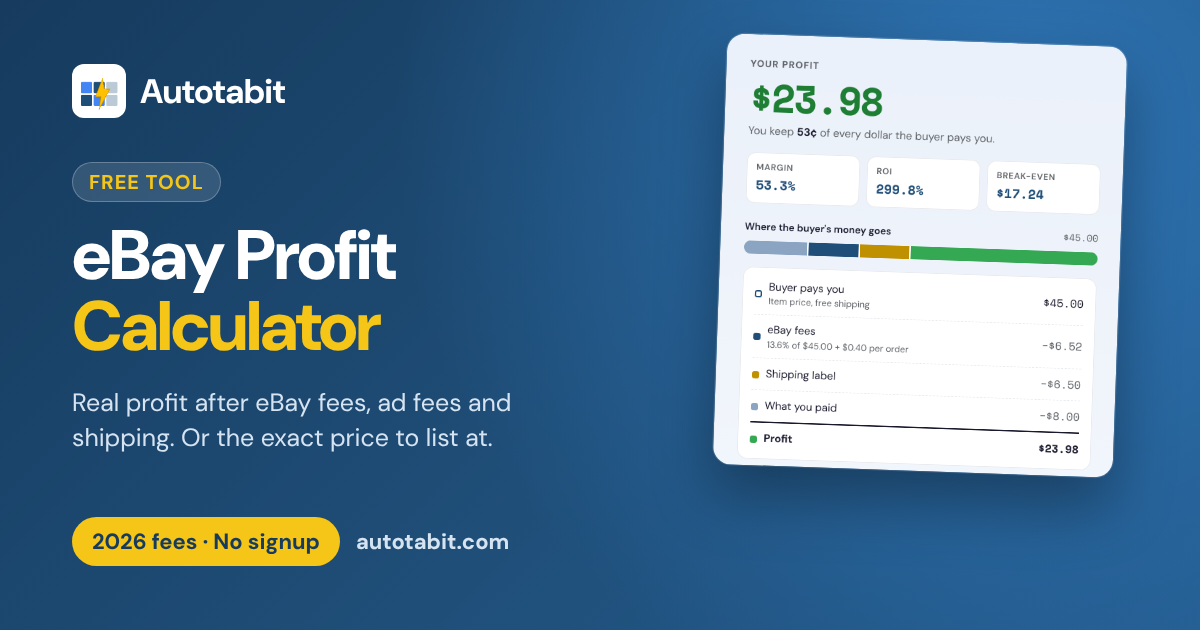
eBay Profit Calculator
See your profit after eBay fees, promoted listing fees, shipping and item cost, with 2026 fee rates. Or work backward to the price you need for your profit goal.
Open the profit calculator →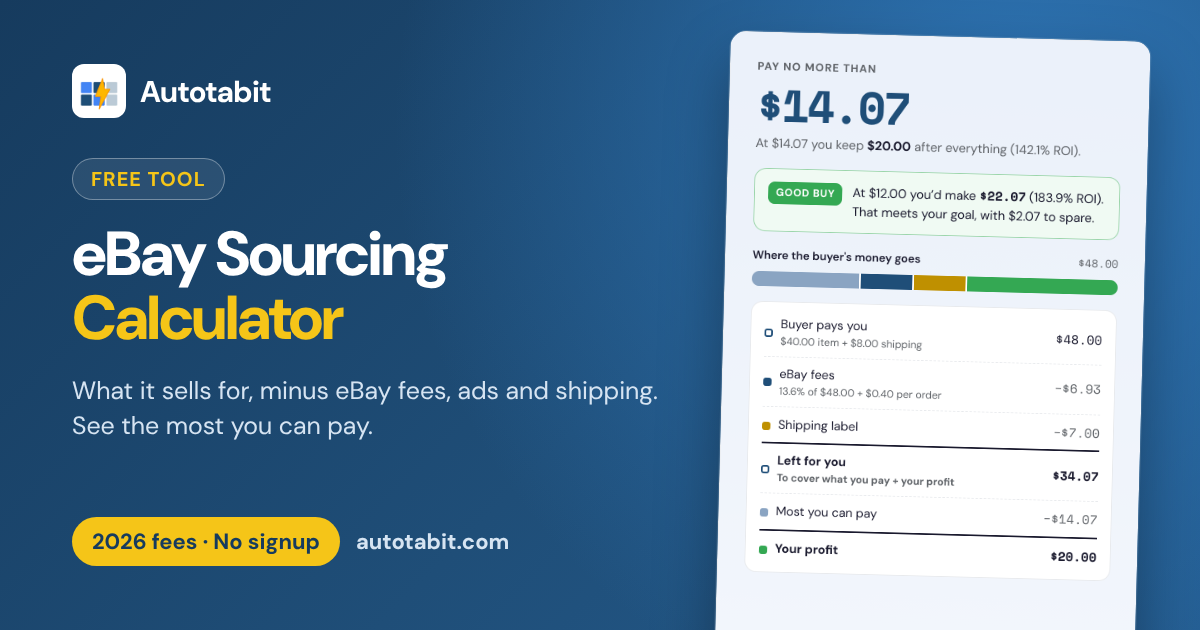
eBay Sourcing Calculator
Enter what an item will sell for and your profit goal, and see the most you can pay for it after fees, ad fees and shipping. Works for eBay US, UK and Australia, plus a German version for eBay.de. Built for your phone.
Open the sourcing calculator →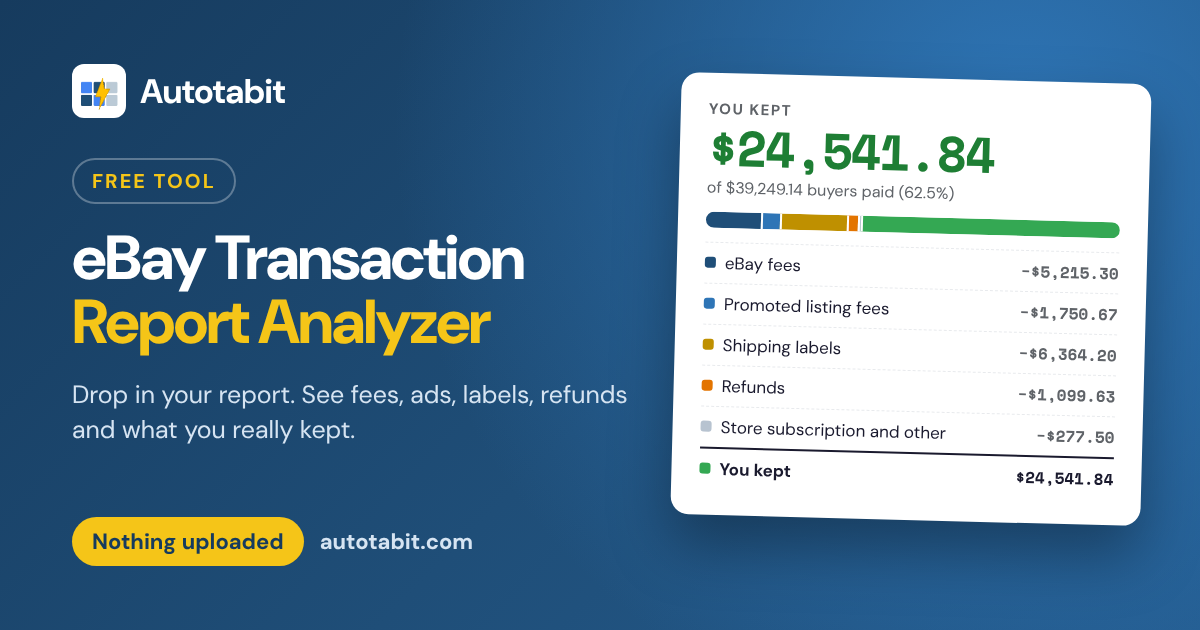
Transaction Report Analyzer
Drop in the Transaction report from Seller Hub and see eBay fees, ad fees, labels, refunds and what you kept, by month and by order. It runs in your browser, so nothing is uploaded.
Open the report analyzer →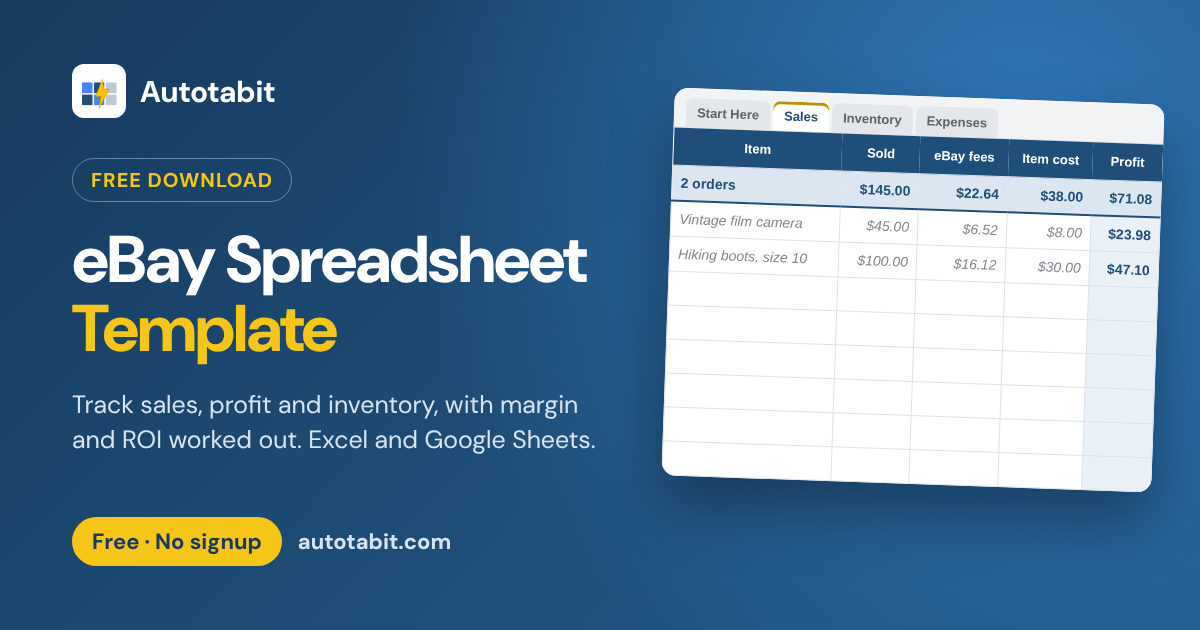
eBay Profit Spreadsheet
A free template for Excel and Google Sheets. Log each sale and it works out profit, margin, ROI and monthly totals, with tabs for what you bought and your expenses.
Get the spreadsheet →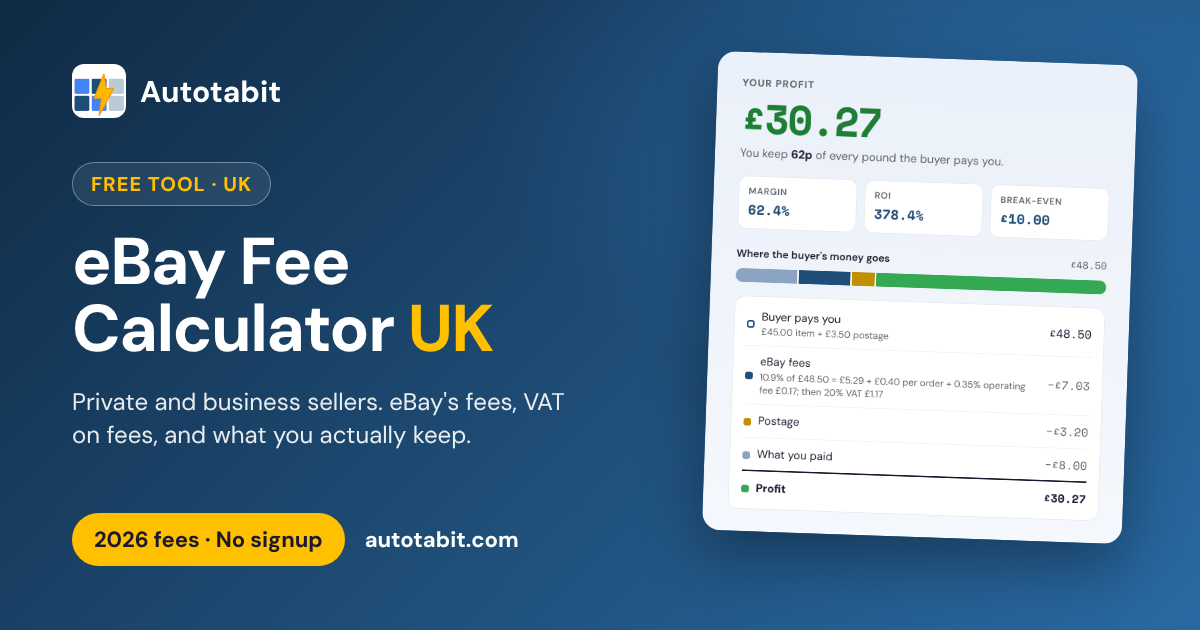
eBay Fee Calculator UK
eBay UK's 2026 fees for private and business sellers, with VAT on fees, postage and item cost. See what you keep, or the price you need for your profit goal.
Open the UK fee calculator →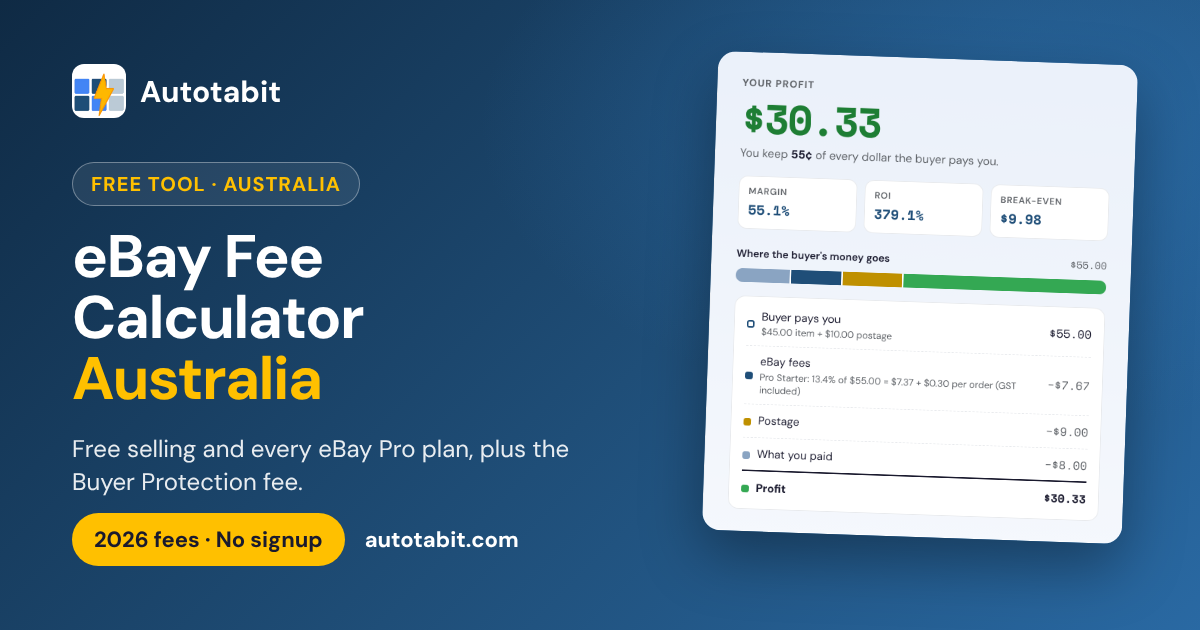
eBay Fee Calculator Australia
eBay Australia's 2026 fees for free selling and all four Pro plans, with postage, item cost and the Buyer Protection fee your buyer pays. See what you keep, or the price you need.
Open the Australia fee calculator →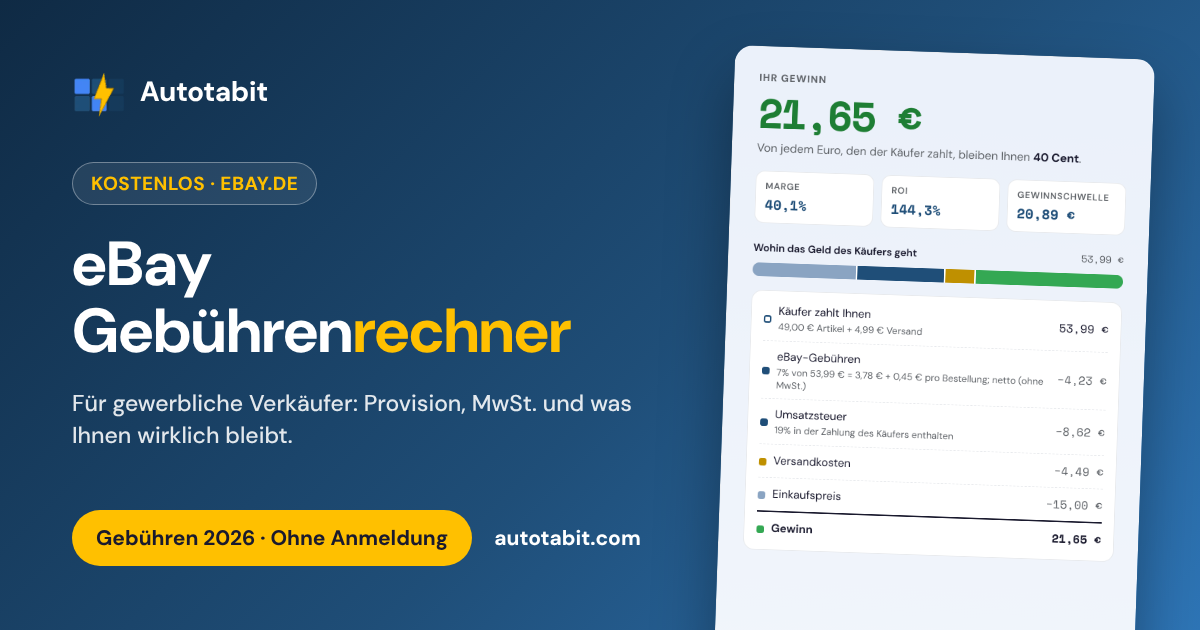
eBay Gebührenrechner
Die eBay.de-Gebühren 2026 für gewerbliche Verkäufer: Verkaufsprovision, Fixbetrag und MwSt. auf die Gebühren, mit Versand und Einkaufspreis. Sehen Sie, was Ihnen wirklich bleibt.
Zum Gebührenrechner →