FREE TOOL Your file never leaves your computer

Free eBay Transaction Report Analyzer
see what you really kept

Drop in the Transaction report from Seller Hub. It adds up eBay's fees, ad fees, shipping labels and refunds for every order, and shows what you actually kept.

Nothing is uploadedNo signupLate label charges and refunds included

Get your report from eBay

  1. In Seller Hub, open Payments, then Reports in the left-hand column.
  2. Under Transaction report, pick a start and end date, then Create report.
  3. When it says it's ready, download the CSV file.
  4. Drop the file in the box. That's it.
Use the Transaction report from the Payments tab. The Orders report from the Reports tab doesn't include your fees.
Your report is read by this page, in your browser. It isn't uploaded or saved anywhere, and buyer names and addresses in the file are never shown.

Example: my own 2026 report

This is what the analyzer shows for my eBay Transaction report from Jan 1 – Oct 28, 2026: 714 orders.

Buyers paidItems and shipping, not counting sales tax$39,249.14
eBay fees13.3% of what buyers paid−$5,215.30
Promoted listing fees4.5%−$1,750.67
Shipping labels718 label rows, incl. returns and adjustments−$6,364.20
Refunds32 refunds, after fees eBay gave back−$1,099.63
Store subscription−$279.50
Express payout fees157 express payouts−$314.00
Other fees and credits+$2.00
I kept61.7% of what buyers paid, before item costs$24,227.84

12 orders lost money even before item cost, and every one of them had a refund. Buyers paid $8,338.90 for shipping and handling, and my eBay labels cost $6,364.20.

What the analyzer counts

Every row in the report is one charge or credit. The analyzer groups them by order, so charges that posted weeks after a sale still land on the right order.

1

Sales and eBay's fees

Each order row has what the buyer paid for the item and shipping (not counting sales tax), and what you got after eBay's fees. The difference is eBay's fees on that order.

2

Ads, labels and refunds

Promoted listing fees, shipping labels (including voids and later postage adjustments), return labels and refunds come in as separate rows. Each one is matched to its order number.

3

Left out on purpose

Payouts, holds, financing repayments and things you bought on eBay move money around but aren't selling costs, so they're not counted. The $2 fee eBay takes for an express payout is counted. The analyzer lists what it skipped.

You kept = what buyers paid − eBay fees − ad fees − shipping labels − refunds − store subscription − express payout fees
Estimated profit = you kept − (your item cost % × item sales)

Want to check one sale before you list it? Try the free eBay profit calculator, or the sourcing calculator for the most you can pay for an item. Prefer to track it yourself? There's a free eBay spreadsheet template too.

Want this every day, not once a year?

Autotabit does this on every sync, with your item costs.

Connect your eBay account once. Every order comes in with eBay's real fees, ad fees and label cost, and you add what you paid, so you see real profit per item, not an estimate.

  • Every order synced from eBay, with fees and labels
  • Late label charges and returns update on your next sync
  • Inventory, sourcing trips, expenses and reports in one place
Start Free → Free up to 30 listings. No credit card.
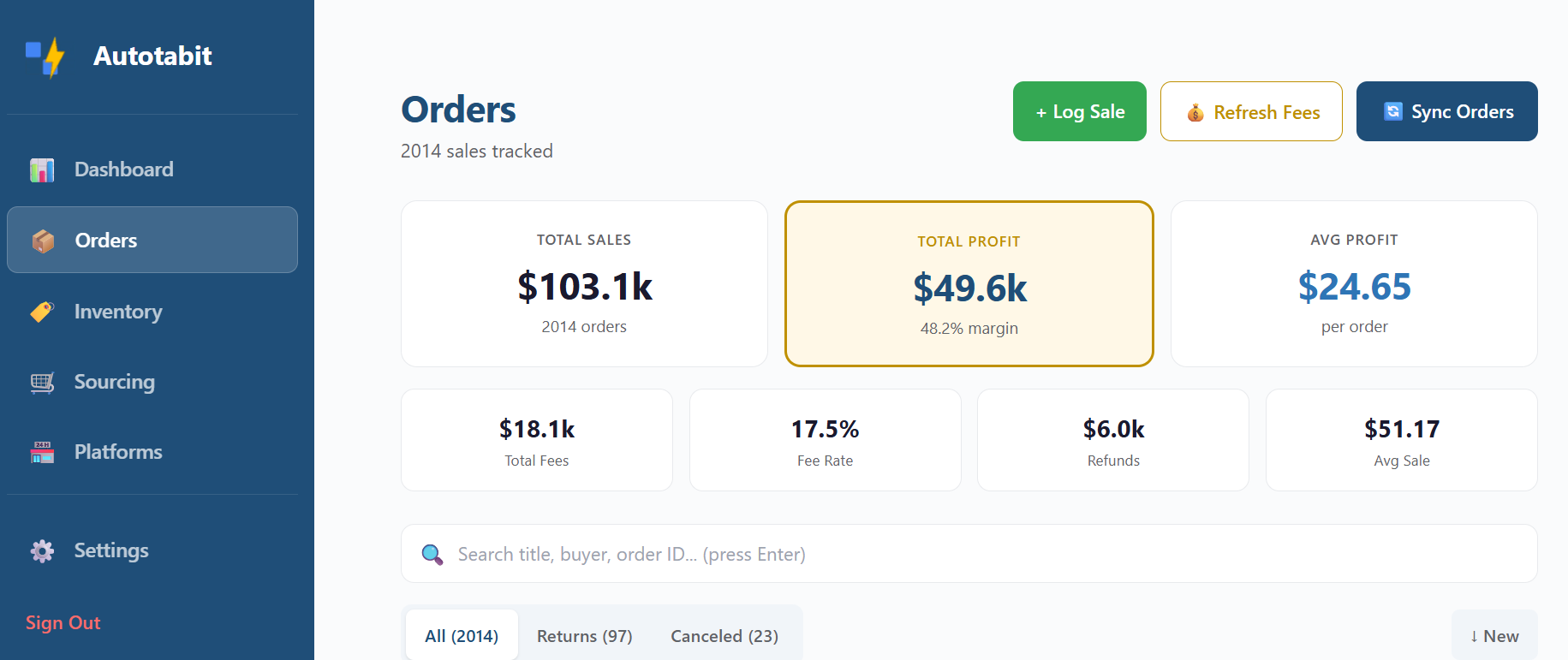
Autotabit Orders screen showing total sales, total profit, margin, fees and refunds synced from eBay

Transaction report questions

Is my report uploaded anywhere?

No. The page reads the file inside your browser and works everything out there. Nothing from the file is sent to Autotabit or anyone else, and nothing is saved. Close the tab and it's gone. Buyer names, usernames and addresses in the report are never shown. The page does count that a report was analyzed, with no file name, numbers or other details, so we know how many people use the tool.

Where do I find the eBay Transaction report?

In Seller Hub, go to Payments, then Reports in the left-hand column, and choose Transaction report. Pick a date range, select Create report, and download the CSV when it's ready. It can take a few minutes for a long date range.

Why doesn't it match the total sales in Seller Hub?

Seller Hub's sales total includes the sales tax buyers paid, which eBay sends to the state. The analyzer leaves tax out. It also counts each charge in the month it posted, so a refund or a label adjustment can land in a later month than the sale.

What does “You kept” include?

What buyers paid for your items and shipping, minus eBay's fees, promoted listing fees, shipping labels bought on eBay, refunds, your store subscription and express payout fees. It doesn't include what you paid for the items, supplies, mileage or labels you bought somewhere else.

Does it work with customized reports?

Yes. eBay lets you add or remove columns. The analyzer finds the columns it needs by name. If you turned off the description column, promoted listing fees are shown as other fees instead.

Is this for my taxes?

No. It shows where your eBay money went. It doesn't give tax advice, so check with a tax professional about what to report.

Report columns are described on eBay's help page: Reconciling your eBay sales transactions. Autotabit is not affiliated with eBay.