Log every sale, and the spreadsheet works out your profit, margin and ROI. It also tracks what you've bought, your expenses and each month's totals. Works in Excel, Google Sheets and Numbers.
| Sale date | Item | Sold price | Shipping charged | eBay fees | Ad fee | Label cost | Item cost | VAT | Profit | Margin | ROI |
|---|---|---|---|---|---|---|---|---|---|---|---|
| 1/6/2026 | Example: vintage film camera | $45.00 | - | $6.52 | - | $6.50 | $8.00 | - | $23.98 | 53.3% | 299.8% |
| 1/9/2026 | Example: hiking boots, size 10 | $100.00 | $8.00 | $16.12 | $5.78 | $9.00 | $30.00 | - | $47.10 | 43.6% | 157.0% |
| 1/12/2026 | Your next sale | $32.00 | $5.95 | copy from eBay | copy from eBay | copy from eBay | $6.00 | ||||
Six tabs, plain formulas, no add-ons or scripts. Formula cells are shaded so you know which ones to leave alone.
One row per eBay order. Profit, margin and ROI fill in as you type, and a totals row at the top adds everything up.
What you bought, where and for how much. Shows how much money is tied up in items that haven't sold, and how long each one took to sell.
Supplies, your store subscription, software and other costs that aren't tied to one item.
Type the year, and each month's orders, sales, fees, profit and expenses fill in from the other tabs.
How to fill it in and where to find each number on eBay, plus a list of what a spreadsheet can't keep track of.
The spreadsheet works. It just only knows what you type into it, and eBay keeps changing things after a sale.
| This spreadsheet | Autotabit | |
|---|---|---|
| Logging a sale | Type about 8 numbers per order | Pulled from your eBay account |
| eBay fees and ad fees | Copy them from each order | eBay's real numbers, filled in |
| Shipping label cost | Copy it from each order | Filled in for labels you buy on eBay |
| Late label charges | Find the old row and fix it | Recent sales update on your next sync |
| Returns and refunds | Find the sale and change it | Updated on your next sync |
| Profit, margin, ROI, monthly totals | Yes, worked out by formulas | Yes, plus reports and a dashboard |
| Cost | Free | Free up to 30 listings, then from $9.95/month |
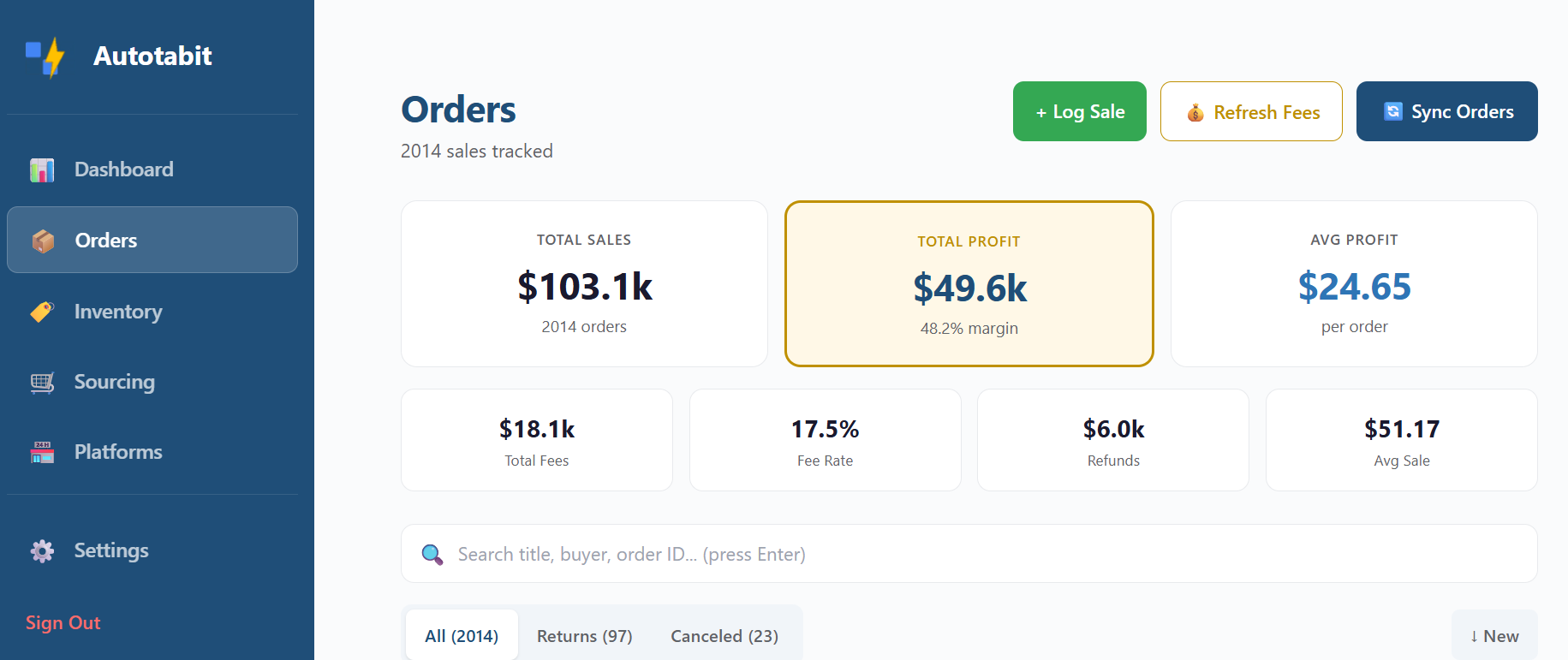
Under 30 listings? The app is free too, and it fills this in for you.
Connect your eBay account once. Every sale comes in with eBay's real fees, ad fees and your label cost, and your profit is worked out the same way as this spreadsheet.
A few numbers come from the eBay order. The rest you already know.
When you bring items home, add them to the Inventory tab with what you paid. That's your cost when each one sells.
Open the order in Seller Hub. The “What you earned” box lists the Transaction fees, Shipping label and Ad Fee. Copy them in as dollar amounts, the way eBay shows them.
The Monthly Summary tab adds everything up by month, with expenses taken out. Type a new year at the top to see another year.
Want to check a sale before you list it? The free eBay profit calculator estimates eBay's fees for you, and the sourcing calculator shows the most you can pay for an item.
Yes. It's a plain Excel file with no signup, no email and no catch. Use it, change it and share it.
Yes. Use the “Make a copy in Google Sheets” button and a copy lands in your own Google Drive, ready to use. You need to be signed in to Google. The Excel download also opens in Apple Numbers. Both versions use only standard formulas, with no macros or scripts.
Yes. The shaded formula cells are protected so they don't get typed over by mistake: Excel locks them with no password (Review > Unprotect Sheet), and the Google Sheets copy shows a warning first. If you type over one by accident, press Undo or copy the cell from the row above.
Add the sold price and the shipping the buyer paid, then subtract eBay's fees, any promoted listing fee, your shipping label and what you paid for the item. The Sales tab does this for every row, and also works out margin (profit divided by what the buyer paid you) and ROI (profit divided by what you paid).
Open the order in Seller Hub and find the “What you earned” box. Under Selling costs it lists Transaction fees (that's the eBay fees column), the Shipping label if you bought it on eBay, and any Ad Fee. Enter them as dollar amounts.
No. eBay collects sales tax from the buyer and sends it to the state, so it isn't your money. eBay's fee percentage is charged on the tax too, but that's already included in the fee amount eBay shows on the order.
Yes. Pick UK, Australia or Germany above the download button. You get the same sheet in pounds, dollars or euros with day-first dates and postage wording, plus a VAT (UK and Germany) or GST (Australia) column. The Germany version is in German, as an Excel download or a Google Sheets copy. Fill that column in only if you’re registered for VAT or GST, and profit leaves it out. If you’re not registered, leave it blank.
When there are too many sales to type in, or when eBay changes a sale after you've logged it: a carrier charges more for a label, a buyer returns something, or a fee gets credited back. Each of those means finding the old row and fixing it by hand. Autotabit pulls those changes in from eBay when it syncs, so you don't have to.
No. It tracks your sales, costs and profit. It doesn't give tax advice, so check with a tax professional about what to report.